🔌
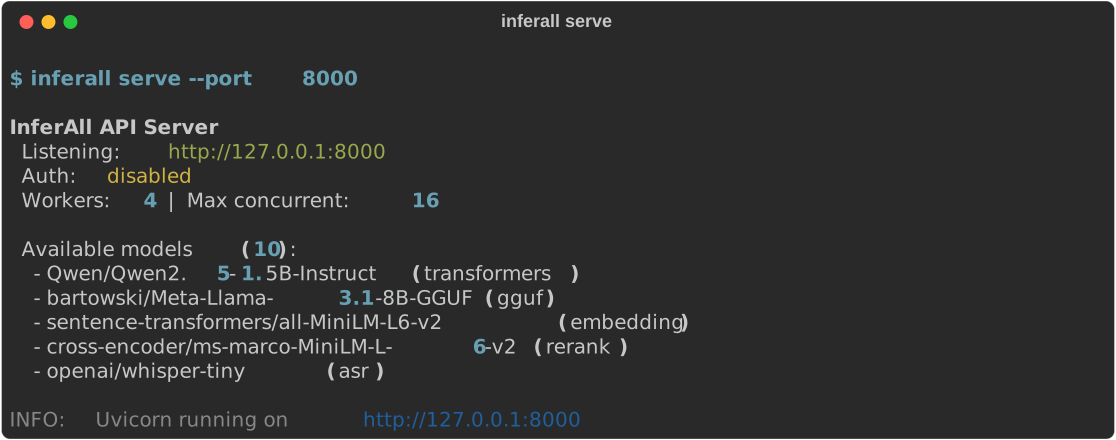
OpenAI-Compatible API
Drop-in replacement for the OpenAI API. Works with LangChain, LlamaIndex, and any OpenAI SDK client out of the box.
🎯
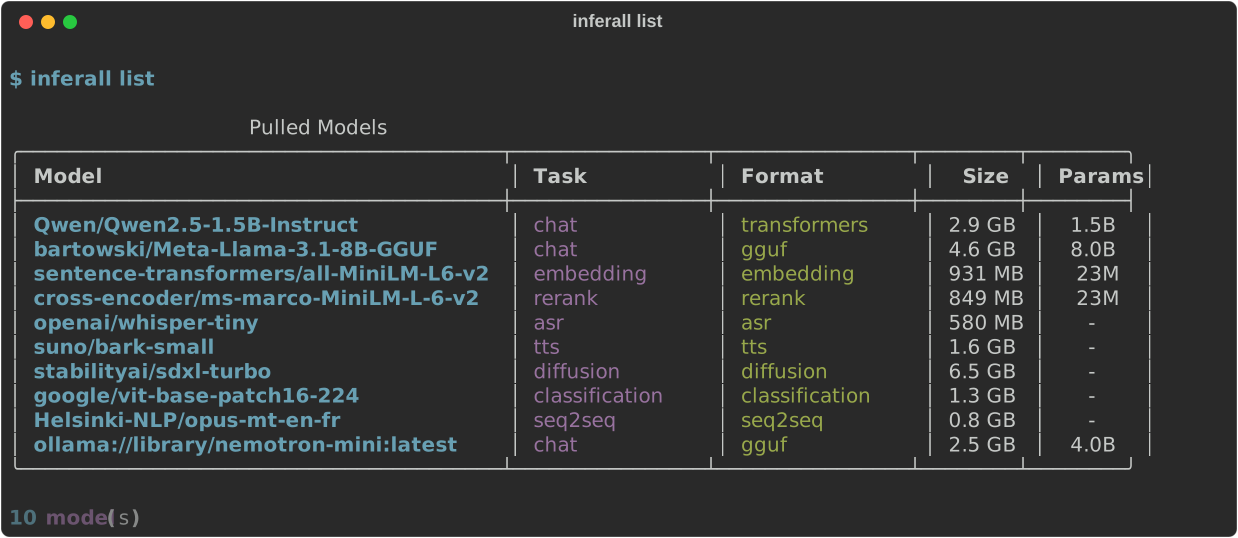
Every Model Type
17 task types — chat, embeddings, reranking, vision, ASR, TTS, image generation, video, translation, classification, object detection, and more.
⚡
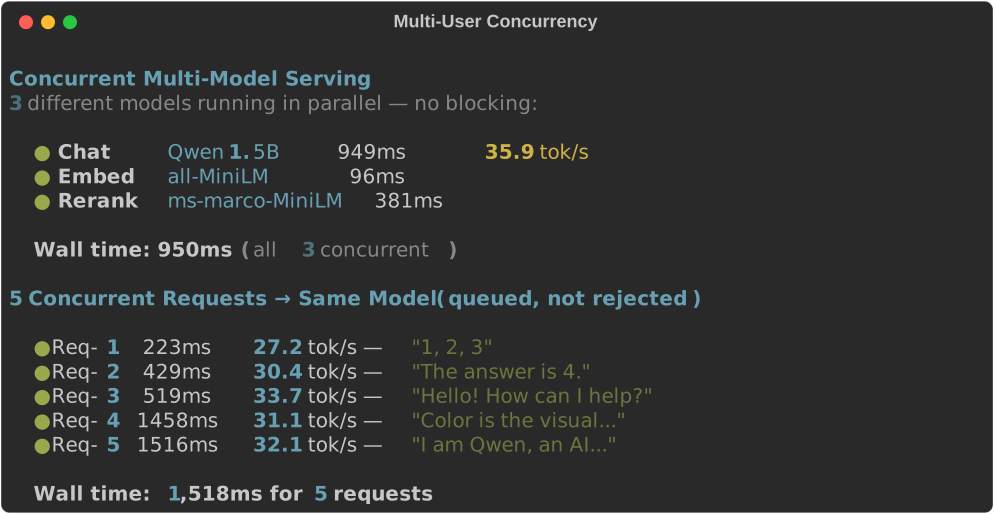
Multi-User Ready
Per-model request queuing, API key management with rate limiting, and priority levels. Model A never blocks Model B.
🔄
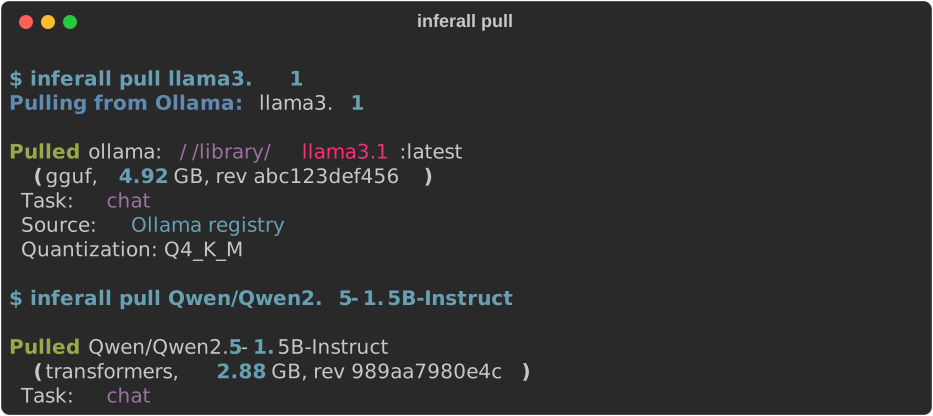
Pull from Anywhere
Pull models from HuggingFace Hub, Ollama registry, or use Ollama cloud models — all through one CLI.
🖥️
GPU Optimized
Multi-GPU scheduling with load balancing, VRAM-aware allocation, GGUF at full speed (113 tok/s on RTX 4090), fp16/GPTQ/AWQ/BNB quantization, and optional vLLM acceleration for chat and VLM models.
📊
Built-in Dashboard
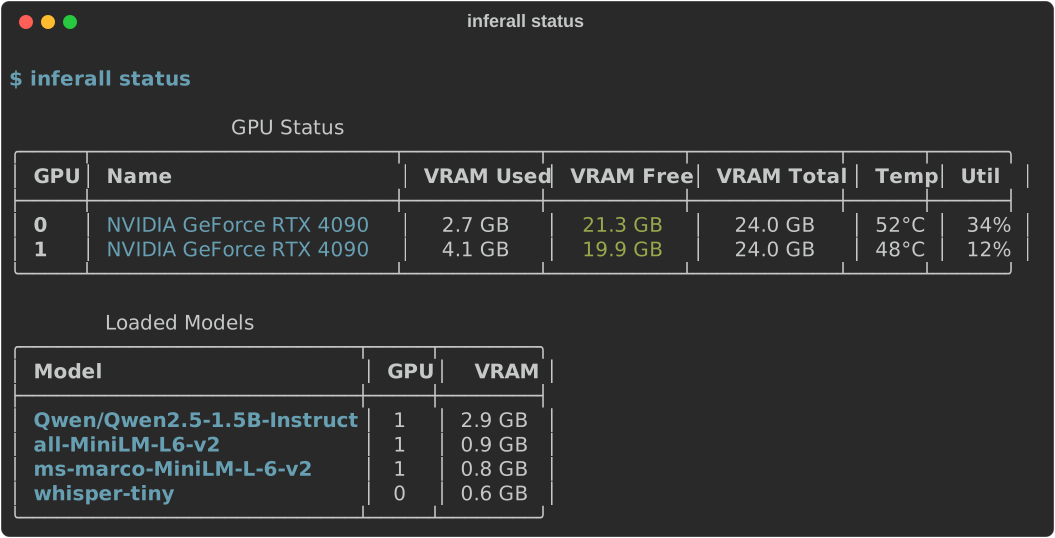
Terminal UI for real-time monitoring — GPU utilization, request queues, performance metrics, model management, all at a glance.